

Hi there,
I break down what works on LinkedIn so you can create content that resonates.
In this issue, you’ll find:
The profile audit checklist: 15 things to fix this week
TOGETHER WITH POSTHERO
Grow your audience faster on LinkedIn. With an AI-powered tool that helps you create content and grow on LinkedIn.
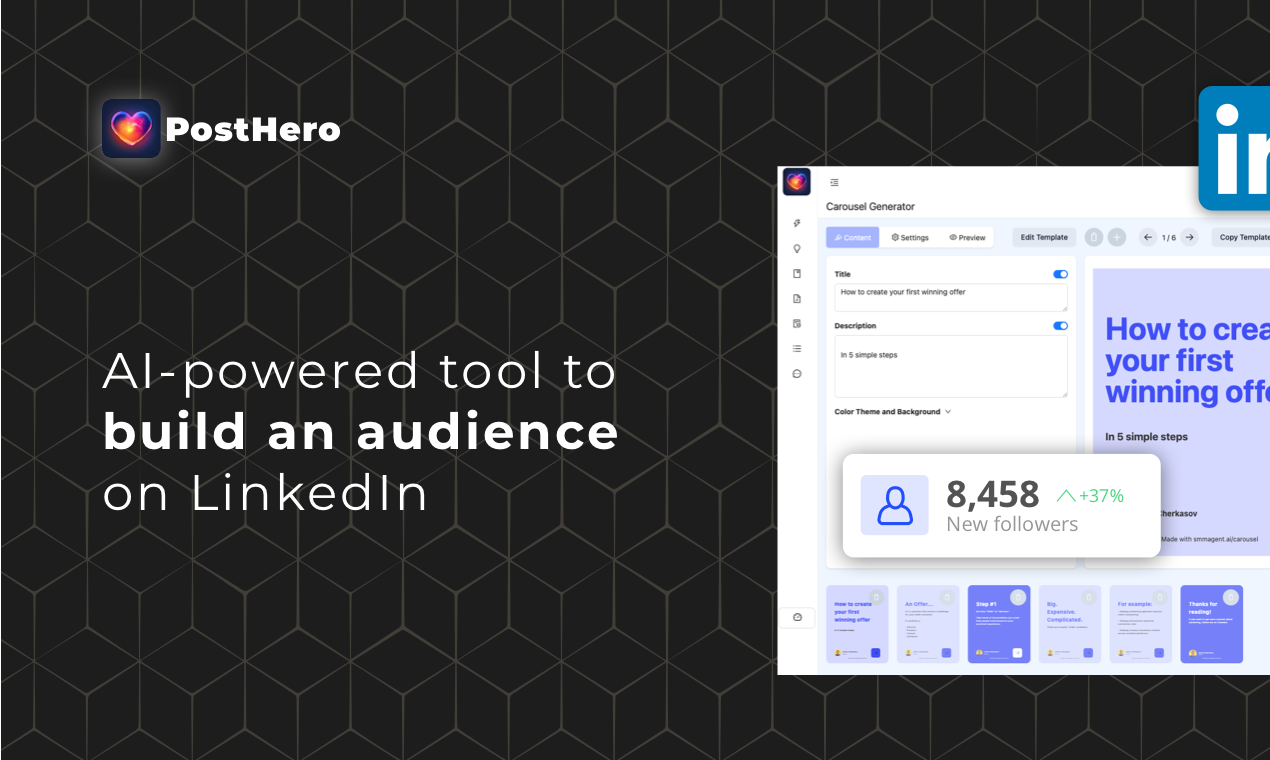
Create high-converting content that helps you grow on LinkedIn
Create a weekly content in 76 seconds
AI Voice assistant for creating content in seconds
The Profile Audit Checklist: 15 Things to Fix This Week
Your content is great.
Your posts are solid. Your hooks are sharp. You’re showing up consistently.
But something’s off.
People see your posts. They click your profile. And then... nothing. They don’t follow. They don’t connect. They don’t reach out.
The problem isn’t your content.
It’s your profile.
Your profile is your landing page. Every post, every comment, every DM leads people back to it. If your profile is confusing, boring, or unclear, you’re leaking opportunities every single day.
I’ve audited hundreds of profiles. Most have the same problems.
Today I’m giving you the checklist I use. 15 things to fix. You can do all of them this week.
Let’s go.
Part 1: The First Impression
1. Profile Photo: Is it clear, professional, and friendly?
Your face should take up 60-70% of the frame.
Good lighting. Simple background. Looking at the camera.
No sunglasses. No group photos. No logos. No photos from 10 years ago.
Smile. People connect with people who look approachable.
If your photo is outdated or blurry, replace it today. Takes 5 minutes.
2. Banner: Does it have a clear message and CTA?
99% of LinkedIn banners are wasted space.
A nice landscape photo. A company logo. Random graphics.
Useless.
Your banner should tell visitors:
What you do
Who you help
What to do next (CTA)
Example: “I help B2B founders generate leads with LinkedIn content. Download my free guide → link”
One clear message. One clear action.
3. Headline: Does it speak to your ideal client?
Most headlines are job titles.
“Marketing Manager at Company X”
“Founder & CEO”
“Sales Professional”
Boring. Tells me nothing about how you can help me.
Better formula: I help [who] do [what] through [how].
“I help founders build personal brands that generate leads”
“Helping freelancers land clients without cold outreach”
“LinkedIn content strategist for B2B companies”
Your headline should make your ideal client think: “This person gets me.”
4. Name Field: Is it clean?
Your name should be your name. That’s it.
Don’t stuff it with emojis, credentials, or keywords.
Bad: “John Smith 🚀 | LinkedIn Expert™ | Author | Speaker | Coach”
Good: “John Smith”
Keep it clean. Keep it professional.
Part 2: The About Section
5. First Line: Does it hook them?
Most people won’t click “see more” on your About section.
So your first line needs to grab attention.
Don’t start with: “I am a passionate professional with 15 years of experience in...”
Boring. Next.
Start with something that pulls them in:
“I’ve helped 50+ founders turn LinkedIn into their #1 lead source.”
“Most LinkedIn advice is garbage. Here’s what actually works.”
“I was mass-rejected 200+ times on Upwork. Then everything changed.”
Hook first. Bio second.
6. The Story: Do you explain why you do this?
People don’t just want to know what you do.
They want to know why.
What’s your story? What led you here? What problem did you face that you now solve for others?
Share the journey. Make it human.
2-3 short paragraphs max. No walls of text.
7. The Offer: Is it crystal clear what you do?
After your story, get specific.
Who do you help? What do you help them do? What’s the outcome?
“I help B2B founders create LinkedIn content that books calls.”
“I work with freelancers who want to land premium clients without cold outreach.”
One core offer. Clear outcome. No confusion.
8. The CTA: Do you tell them what to do next?
End your About section with a clear next step.
“DM me ‘CONTENT’ and I’ll send you my free guide.”
“Book a free call: [link]”
“Follow me for daily LinkedIn tips.”
Don’t leave them hanging. Tell them exactly what to do.
Part 3: The Featured Section
9. Featured Section: Is it set up?
Most people ignore this completely. Big mistake.
Your Featured section is prime real estate. It’s visible right at the top.
Use it to showcase:
Your best-performing posts
Your lead magnet or free resource
A link to book a call
Your newsletter or website
1-3 items max. Keep it focused.
10. Order: Is your most important item first?
The first featured item gets the most clicks.
Put your highest-priority CTA first. Lead magnet. Booking link. Best content.
Don’t bury the good stuff.
Part 4: Experience & Credentials
11. Current Position: Does it match your offer?
Your current position should reinforce what you do.
If you’re a freelancer or founder, don’t leave an old corporate job as your current position.
Create a position for your business. Use it to describe what you do and who you help.
12. Past Experience: Is it relevant?
You don’t need to list every job you’ve ever had.
Keep the positions that build credibility for what you do now.
Remove the random summer jobs from 15 years ago. They’re not helping.
13. Skills: Are your top 2 skills relevant?
LinkedIn shows your top 2 skills prominently.
Make sure they match what you want to be known for.
Go to your Skills section. Reorder them. Put the most relevant ones first.
Part 5: The Small Details
14. Custom URL: Is it clean?
Your LinkedIn URL should be: linkedin.com/in/yourname
Not: linkedin.com/in/john-smith-8374629172634
Go to Edit Profile → Contact Info → Edit your custom URL.
Clean URLs look more professional. And they’re easier to share.
15. Creator Mode: Is it on (if it makes sense)?
Creator Mode changes a few things:
“Follow” becomes the default button (instead of “Connect”)
Your Featured section moves higher
You can add topics you post about
If you’re building an audience, turn it on.
If you’re mainly networking or job hunting, maybe leave it off.
Decide based on your goals.
The Quick Audit
Here’s the full checklist in one place:
First Impression:
☐ Profile photo is clear, professional, friendly
☐ Banner has a message and CTA
☐ Headline speaks to ideal client
☐ Name field is clean
About Section:
☐ First line hooks attention
☐ Story explains why you do this
☐ Offer is crystal clear
☐ CTA tells them what to do next
Featured Section:
☐ Featured section is set up
☐ Most important item is first
Experience & Credentials:
☐ Current position matches your offer
☐ Past experience is relevant
☐ Top 2 skills are relevant
Small Details:
☐ Custom URL is clean
☐ Creator Mode is on (if applicable)
How Long This Takes
You can fix all 15 things in 1-2 hours.
Some items take 5 minutes (custom URL, reordering skills).
Some take longer (rewriting your About section, creating a new banner).
Block 2 hours this week. Do the full audit. Fix everything.
Then revisit every 3 months. Your profile should evolve as you evolve.
Your Homework
This week, do this:
Print out the checklist (or save it somewhere).
Go through your profile item by item.
Fix everything that needs fixing.
Check out more examples of good profiles here. Seeing what works helps you apply it to your own.
Ask a friend or peer to review it. Fresh eyes catch things you miss.
Watch what happens to your profile views and follow rate.
Your profile is working 24/7. Even when you’re sleeping.
Make sure it’s working for you, not against you.
That’s it for this week.
If you do the full profile audit, reply and tell me what you changed. I’d love to hear what you fixed.
See you next time.
That’s a wrap for today.
See you next week! If you want more LinkedIn tips, be sure to follow me on LinkedIn (link).
If you love this episode and want to support us, spread the word about us by sharing The LinkedIn Secrets with colleagues. I really appreciate it!
Thank you for reading!
What’d you think of today’s edition?
Help me to understand what you think about this episode. Just reply with a number (1, 2, or 3) to this email.
1 - Damn good
2 - Meh, do better
3 - You didn’t cook it
Your compadre,
Anton “LinkedIn growth strategies” Cherkasov